
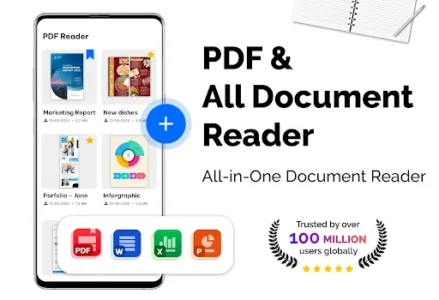
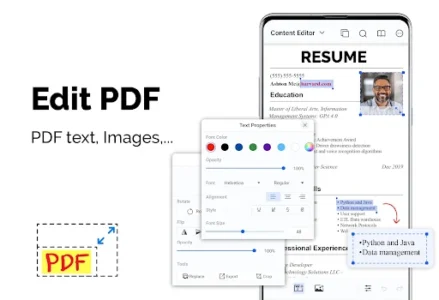

PDF Reader – PDF Viewer is a lightweight app designed to help users manage and interact with PDF documents directly on their device. It allows for reading PDF files stored locally, including those secured with password protection, and is noted for its ability to quickly load and display even very large PDF files, exceeding 300MB in size. Beyond viewing, the app also provides tools for converting images into PDFs and vice-versa, as well as creating new PDF documents from various image formats.
Comprehensive PDF Viewing
The app offers multiple display options to suit reading preferences, including single page, two page, book mode, or a full-screen reading mode. Users can also choose between vertical and horizontal views for optimal comfort. For navigation, it supports quick jumps to specific page numbers and fast returns. To aid in organizing content, the app includes a bookmarking feature for intuitive navigation through documents. Additionally, users can personalize their viewing experience by selecting between a darktheme or light theme.
Image to PDF Conversion and Creation
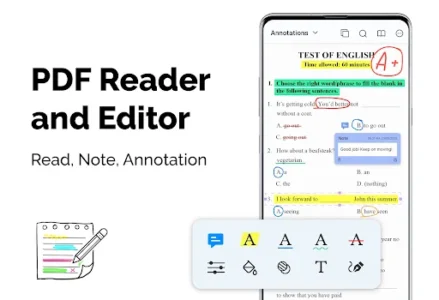
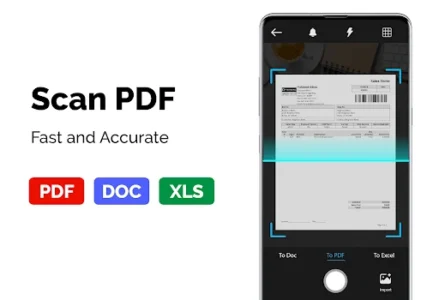
PDF Reader – PDF Viewer includes a built-in scanner function that allows users to convert images, receipts, and notes into PDF format. This extends to creating new PDF files by combining multiple images, supporting common formats such as PNG, JPG, TIFF, and GIF. For sharing purposes, the app can also convert PDF files into JPG images, preserving any annotations made within the document.







Write a review